


Why Mobile Sign-Ins Make or Break User Trust


A mobile sign-in page may look like a small detail, but it often decides whether users feel safe enough to continue. Before reaching an account dashboard, gaming profile, or entertainment platform, users usually pass through the same trust checkpoint: the login screen.
For adult Filipino mobile users, this step matters because signing in can involve passwords, phone numbers, email addresses, OTPs, or identity-related details. A strong mobile login experience in the Philippines should be clear before any sensitive information is entered. Users should understand where they are, what the page is asking for, and what to do if access fails.
Why the Sign-In Screen Shapes First Impressions
The sign-in screen is where a platform asks for trust before giving access. A user may have already seen the homepage, but the login page is the first place where they are expected to share private account information.
A weak login page creates doubt quickly. Hard-to-read labels, tiny buttons, vague error messages, broken layouts, or branding that looks different from the rest of the site can make users pause. On mobile, these issues feel more serious because the screen is smaller and users may be switching between apps, messages, and OTPs.
A stronger sign-in page gives users direction. It clearly shows whether they should enter an email, mobile number, username, or password. It makes the main login button easy to identify and keeps recovery options within reach. Trust starts when the page behaves predictably and helps users avoid simple mistakes.
What Filipino Mobile Users Expect from Login Pages
Many Filipino users access entertainment, gaming, payment, and account-based platforms through smartphones. Because of this, a login page should be designed for real mobile behavior, not just resized from a desktop layout.
Readable text is essential. Users should not need to zoom in to understand instructions. Form fields should be easy to tap, spacing should prevent accidental clicks, and the page should clearly explain what type of login detail is accepted. This matters when users are on mobile data, using smaller screens, or copying an OTP.
Speed also affects confidence. If a page takes too long to load or does not respond after a tap, users may wonder whether the login attempt worked. Clear loading feedback helps prevent repeated taps, confusion, and abandoned sign-ins.
For users in the Philippines, a dependable login flow should be fast, readable, and easy to complete on a phone.
Login Page Design Elements That Build Confidence
Good login page design reduces uncertainty. Every field, button, and message should help users complete the sign-in process without guessing.
Clear labels are one of the most important details. A field labeled “Mobile Number,” “Email Address,” or “Username” is easier to understand than a blank box with unclear placeholder text. Users should know exactly what information is required before they start typing.
Password visibility controls can also improve the mobile experience. Typing passwords on a small keyboard can lead to errors, especially when passwords include capital letters, numbers, or symbols. A show-or-hide password option lets users check their entry before submitting it.
The main action should stand out. A “Sign In” or “Log In” button should not compete visually with “Create Account” or “Forgot Password?” When too many actions look the same, users can tap the wrong option and lose confidence in the page.
Error messages should be useful without exposing sensitive details. A secure login page should guide users toward the next step, such as checking their details or using the password reset process. It should not rely on vague messages like “Invalid” or “Something went wrong.”
Trust Signals Users Should Check Before Signing In
Before entering personal details, users should check whether the page gives enough signs that it is legitimate. These details help separate a reliable account-access page from one that deserves caution.
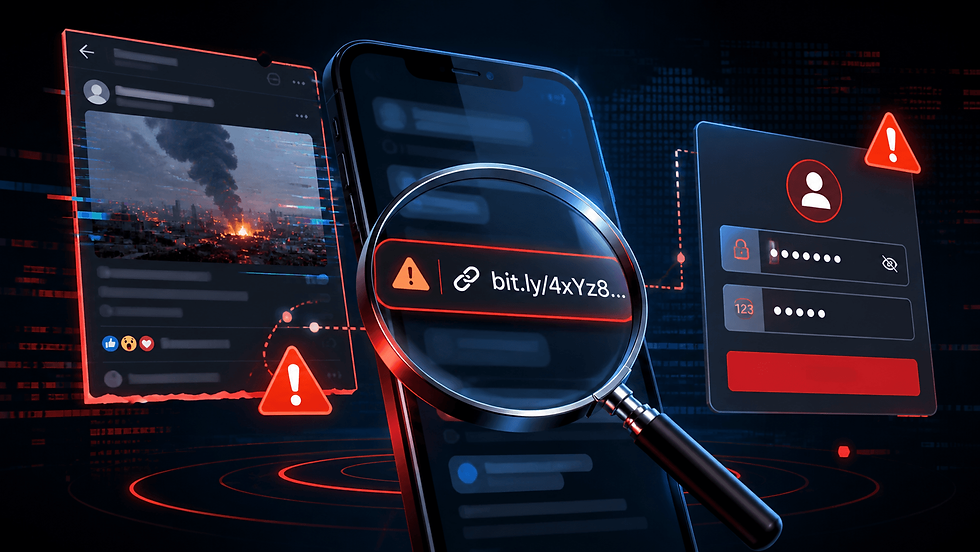
The first check is the URL. The address should match the official platform and should not contain misspellings, strange extra words, or unfamiliar characters. Users should also be cautious if the page looks unsecured, unfamiliar, or disconnected from the platform they meant to visit.
Brand consistency matters as well. The logo, colors, layout, and wording should match the rest of the site. If the login page looks unusually different or poorly formatted, users should verify the page before entering account details.
Support access is another trust factor. Users should be able to find help even when they cannot log in. A visible help center, contact page, or recovery link gives users a safer path if they are locked out, cannot receive an OTP, or need to verify the page.
Privacy and verification information should also be easy to find. Users should be able to understand what personal details may be collected, why verification may be required, and how account information is handled. For online gaming account access, KYC information can explain why identity details may be requested. Responsible gaming information can also show that the platform addresses age-appropriate access, account limits, and safer participation.
The same review process applies to any account-access page, whether users are checking a wallet, entertainment account, gaming account, or a page like the SuperAce login page.
Why Account Recovery Affects User Trust
Account recovery affects trust because login problems are common. Users may forget passwords, change phone numbers, lose email access, or enter the wrong details too many times. When that happens, the recovery flow becomes part of the user experience.
A good password reset process should be easy to find before frustration builds. It should explain what information is needed, where a reset link or OTP will be sent, and what to do if the message does not arrive. These details help users avoid unsafe shortcuts, such as messaging unofficial accounts or sending personal information through unverified channels.
Security should remain clear during recovery. Users should never share OTPs, reset links, passwords, or identity documents through social media comments, unknown messages, or unverified support accounts. If help is needed, they should use the contact options shown on the official platform.
Clear recovery steps reassure users that account access is being handled carefully. A confusing recovery process can make users question whether their account is protected at all.
Safe Sign-In Habits for Mobile Entertainment Users
A secure login page helps, but users still need safe sign-in habits. The most important habit is to slow down before entering details. Many fake login pages rely on users rushing through links without checking where they landed.
Users should avoid signing in on shared devices when possible. If another phone, tablet, or computer must be used, they should avoid saving passwords and should log out completely afterward. This matters for entertainment or gaming accounts that may store personal details, activity, or transaction history.
Public Wi-Fi also deserves caution. When signing in to an account-based platform, a trusted connection is safer than an unfamiliar network. If the page behaves strangely or the connection keeps dropping, users should wait and try again under better conditions.
Strong, unique passwords remain one of the simplest login security habits Filipino users can follow. Reusing the same password across several platforms increases risk because one exposed account can affect others. OTPs and verification codes should also stay private. A legitimate support process should not ask users to send these codes through chat, comments, or unofficial channels.
For safer mobile account access, users should stop when something feels off. If a page asks for unusual details too early, hides recovery options, or makes support hard to find, it is better to verify first than risk account exposure.

Before You Sign In, Know What to Look For
A trustworthy mobile sign-in page should make four things clear: what information is required, how users can recover access, where support can be found, and how personal details are protected.
For Filipino mobile users accessing entertainment, gaming, or account-based platforms, the safest sign-in experience is one that feels clear before sensitive information is entered. When login steps are understandable, recovery is visible, support is reachable, and trust signals are consistent, users can decide more confidently before tapping “Sign In.”


Comments